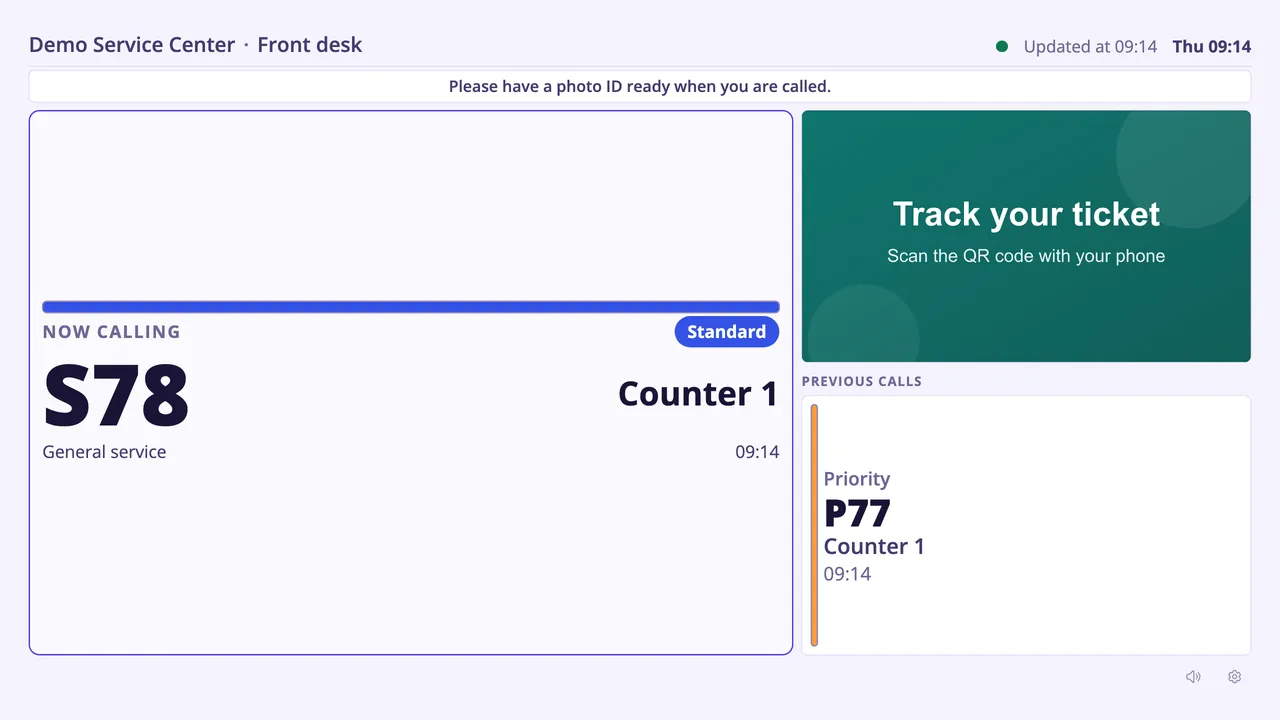
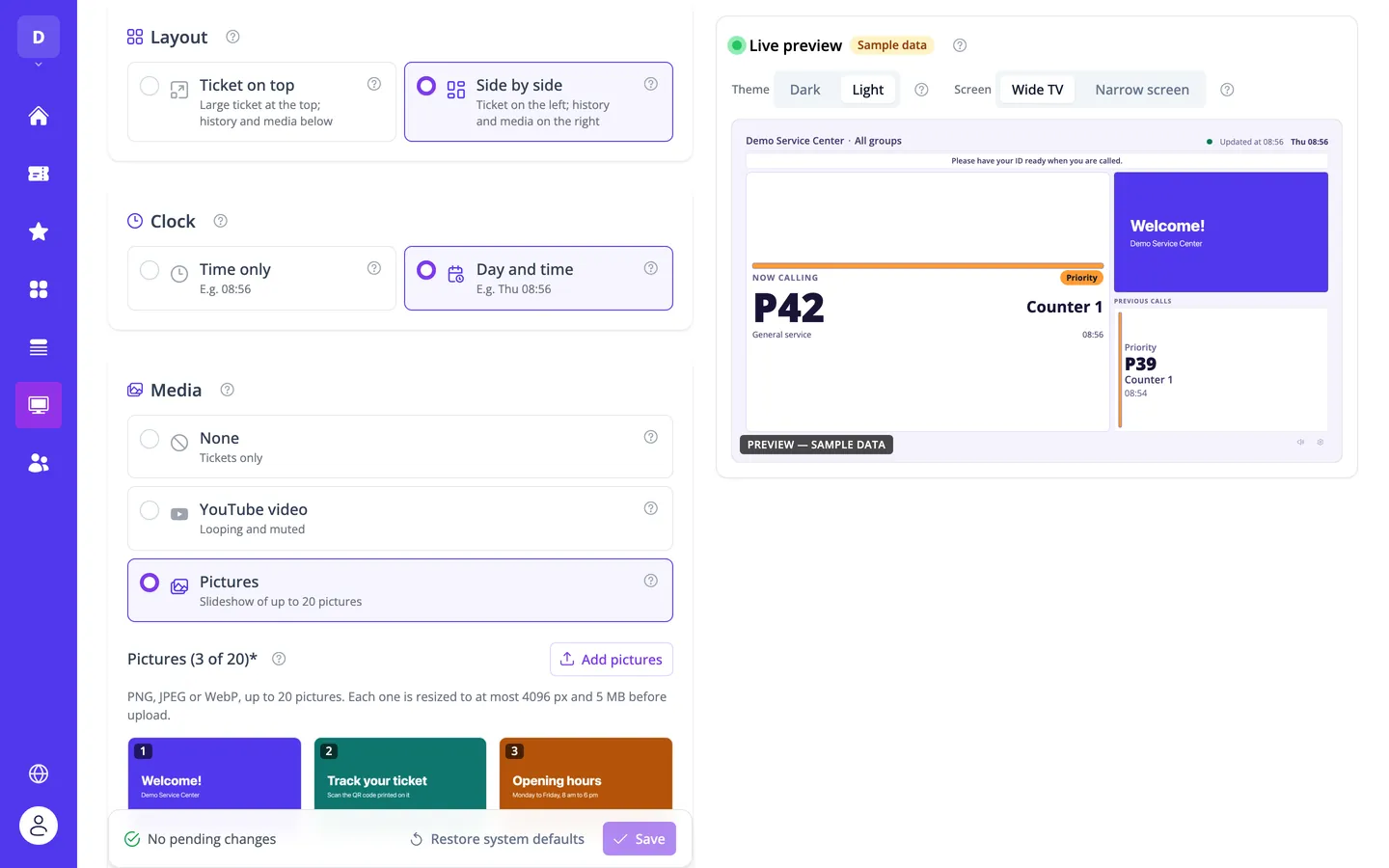
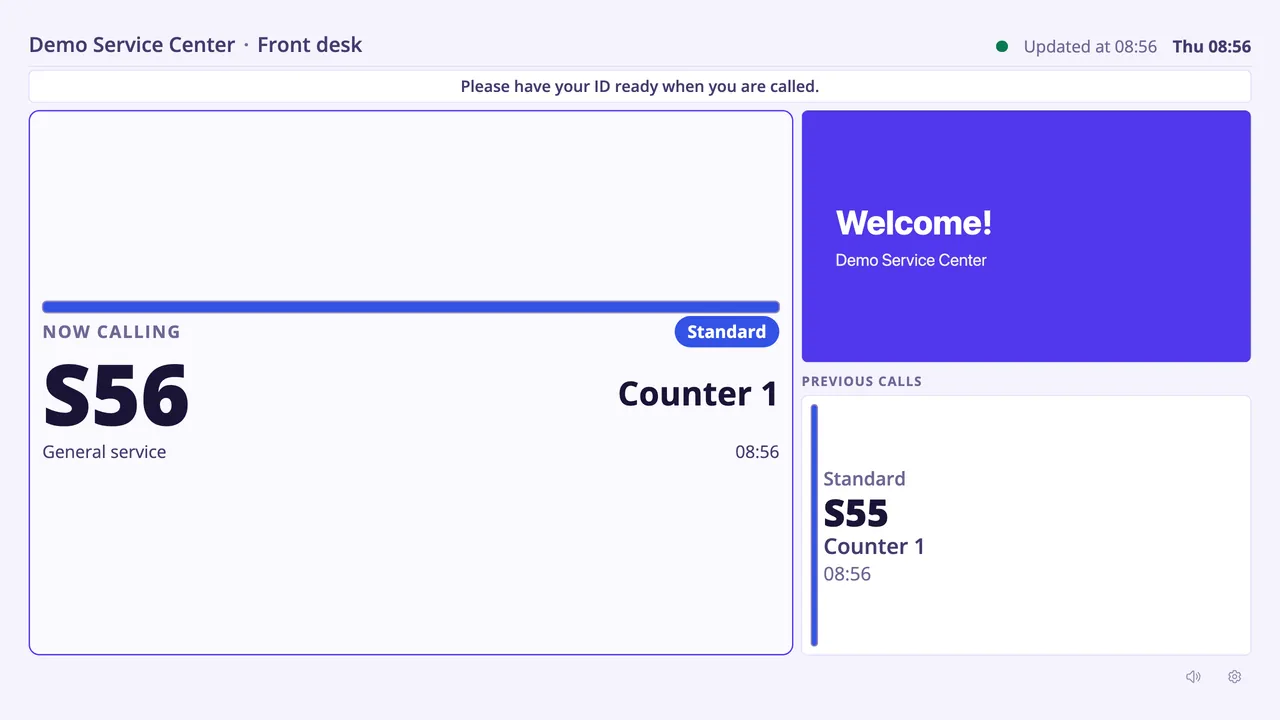
On each TV
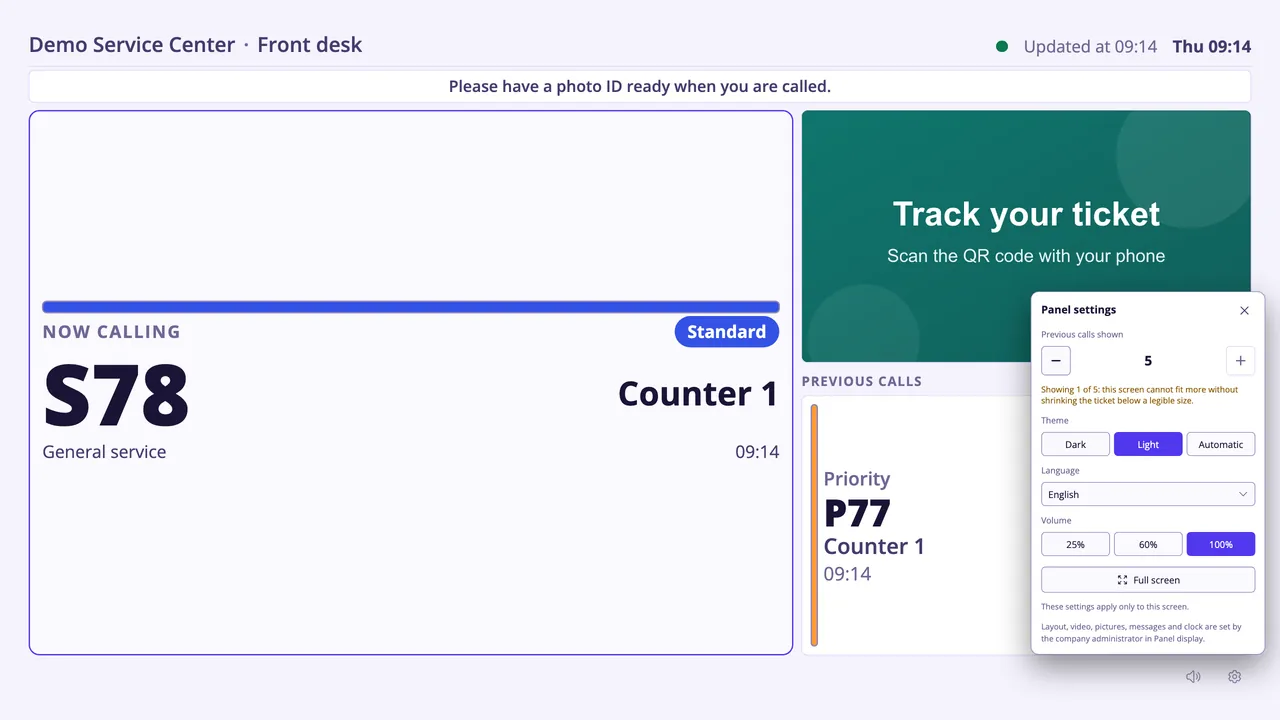
Gear button in the corner of the display; applies to that screen only
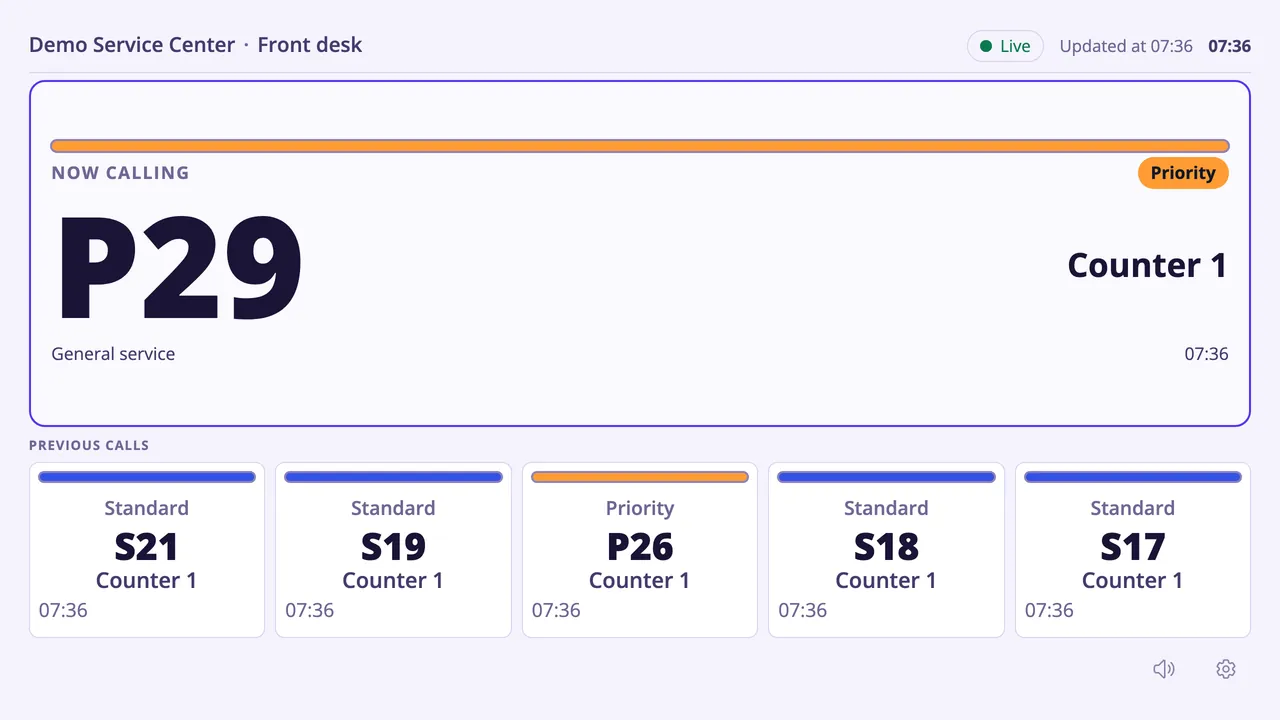
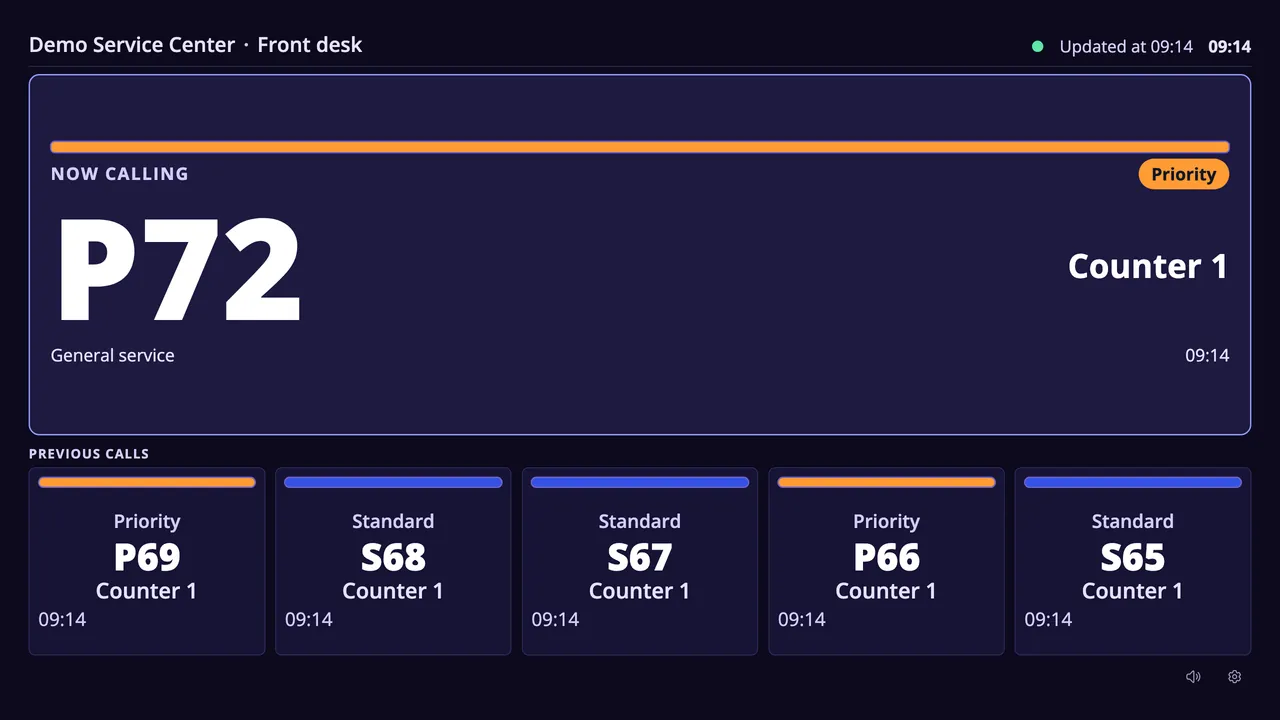
- Light, dark or automatic theme
- Dark comes by default; automatic follows the device setting. The reception TV can be light and the hallway one dark.
- Previous calls shown
- From 1 to 8, starting at 5. The display tells you when the screen cannot fit more without shrinking the ticket below a legible size.
- Volume
- 25%, 60% or 100%, plus a button to turn the sound on and off.
- Language
- English or Portuguese, for the on-screen text and the spoken call.
- Full screen
- One tap puts the display in full screen, with no browser bar.